

HTTP Server Setup with a Single Command Line

Written by @alexxgg, 19 May 2021
Article was migrated from WordPress to Vanilla in March 2022

This is a guest post by forum user @alexxgg,
Hi there!
These days when the internet shares things in milliseconds, who of you have needed to share a file quickly? I bet some of you remember at least one time one of those cases.
As you probably know, in terms of web servers, we can share files with popular software like Apache, Nginx, and Lighttpd but this software need basic configuration, also they consume server resources as long as they’re active.
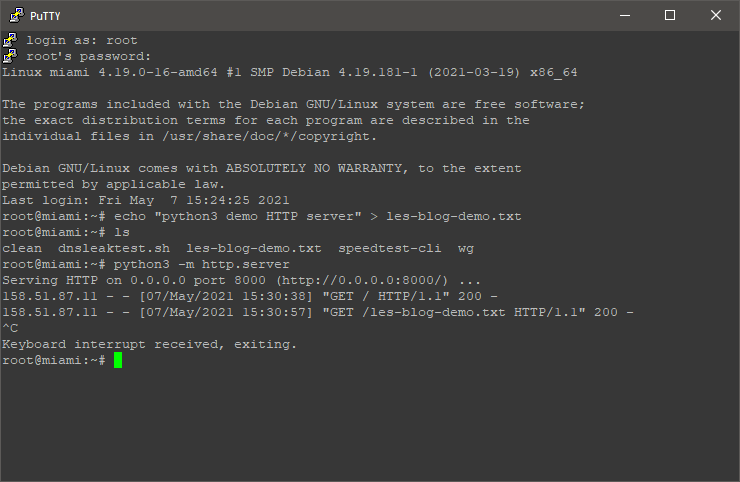
What if you could set up a basic HTTP web server without installing Apache, Nginx, or Lighttpd? Well, that’s sounds kind of impossible, and even more unbelievable is that you can kill it with Ctrl^C. Thanks to Python3 we can do that with its HTTP server module.
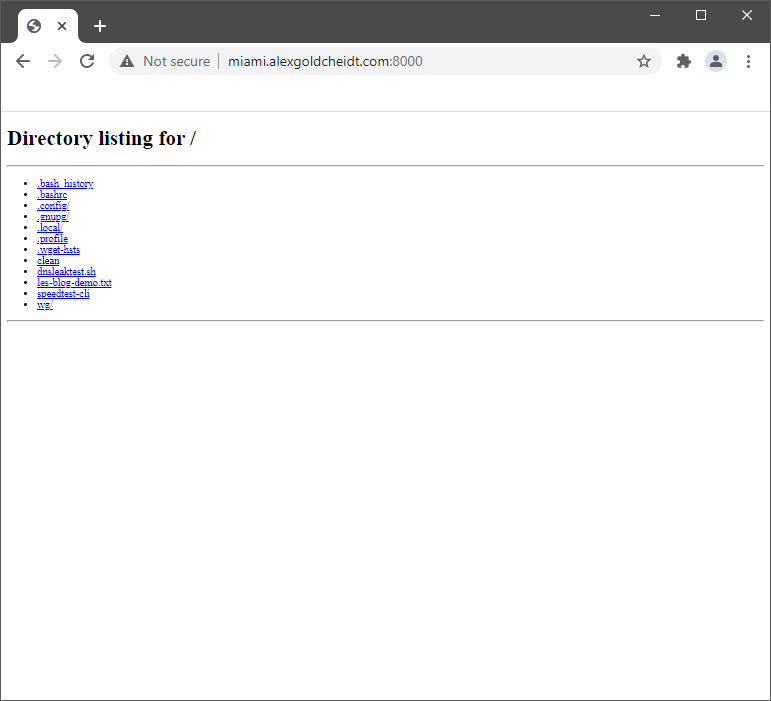
This module will deploy an HTTP server in any directory of the server, even in the root directory and that sounds ridiculously dangerous, fortunately, the default port of this HTTP server isn’t 80. Instead, it will use port: 8000 but you can assign a custom port, very convenient for NAT environment instances.
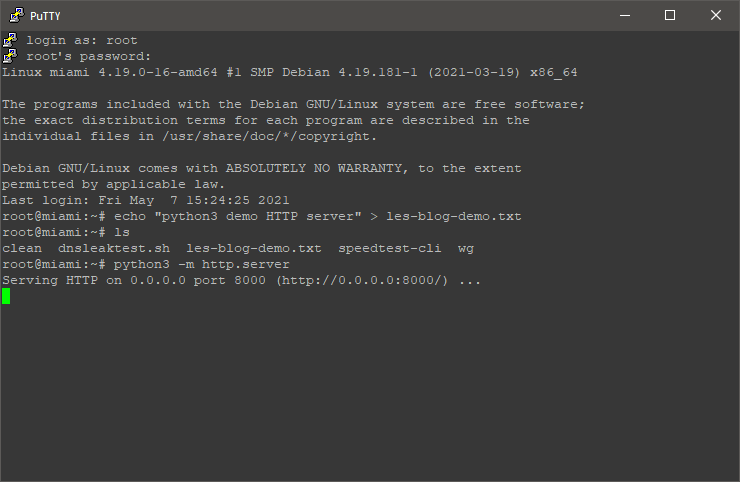
Now you can deploy a basic HTTP server -in the current directory with the default port- by typing this single command line:
python3 -m http.server
Starting HTTP Server
Killing HTTP Server
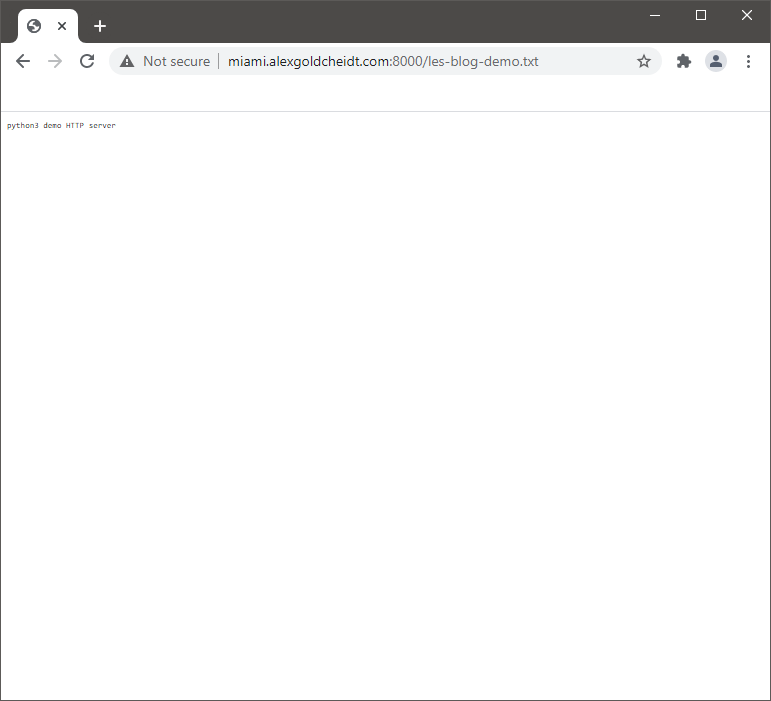
HTTP Server as Shown in Browser
You can change the default port (example port: 32085) and specify a directory (example directory: /tmp/) with:
python3 -m http.sever 32085 --directory /tmp/
More information about Python3 httpserver module is available here
Also, there is a github page here
Note: of course, you will need to install Python3 in order to use these post example command lines.
Leave a comment to let me know any questions or suggestions.
Comments
I was expecting apt-get update && apt-get install nginx -y

Free NAT KVM | Free NAT LXC
I was expecting:
It's a lot faster than Python
http.serverdescribed in the article.The last flan is taken. 🍮 affbrr
Hundred ways to skin a cat, lads
yabs daddy
I use the the Python's http.server countless times, As it is always there even in the hardened systems no need to install anything very distro out there has python.
Outrageous ! There's only one way:
php -S localhost:8080 -t /public/dirhttps://phpbackend.com/
Free NAT KVM | Free NAT LXC
The only thing is . . . Java doesn't stay down for long. Ze hops up almost immediately, and the fight continues. Repeatedly! 🥳