

The first blog post is live
 AnthonySmith
AdministratorProviderOG
AnthonySmith
AdministratorProviderOG 





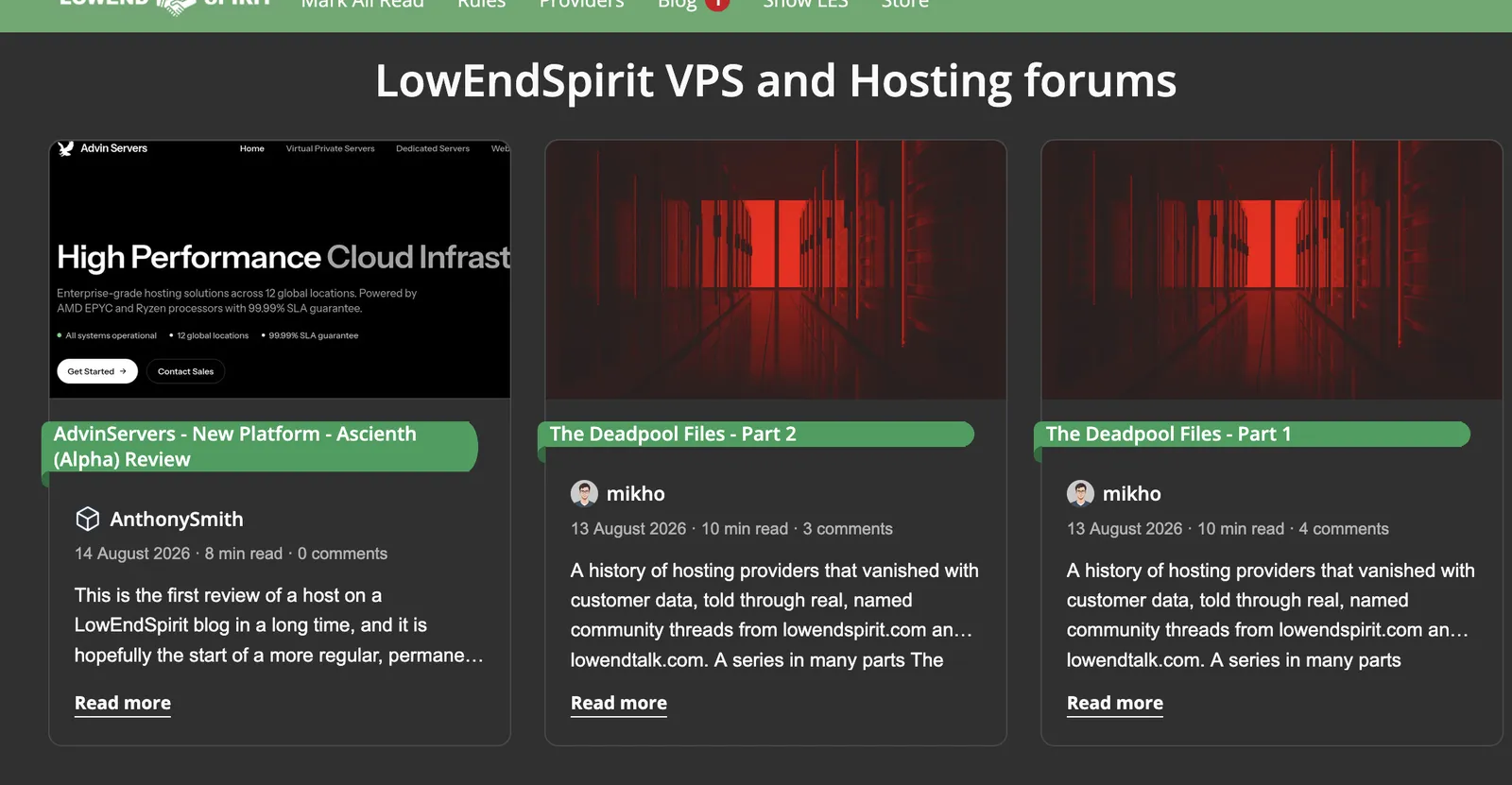
The privacy mode or regular refreshers will have noticed that there is a blog link on the top menu now, It has its own unread post counter on it also.
I removed the support link as there have been no support tickets for 30+ days now that most things that caused support tickets are automated.
This is the first of many posts in the new LES Blog, its tied in to vanilla so you dont need separate accounts to comment etc.
@mikho kicking things off with a series on the history of LE*/LES and the aptly named "Deadpool Files"
Anyway, there will not be a forum post for every new blog article so as not to flood the forum; instead, just a little counter you should see for any new/unread blog posts.
TierHive - Hourly VPS - NAT Native - /24 per customer - DE, UK, SG, CA, USA x4, FR x2, AU, PL, NL, JP
FREE tokens on sign up, try before you buy. | Static Hosting Free for life: https://tierhive.com/static-hosting/
Comments
Thanks for writing this. Interesting to read.
Good start ! Curious… does the blog use different cms or is it a stylesheet specific thing?
blog archives
Built into vanilla, all posts are typed in as Markdown (at least mine are).
So I would say css
Meet Nix and Bruce @ https://twobirdsonelesbox.com
My project/stuff page @ https://serveraddict.net
Is there a way to clear the blog notifications without having to enter it?
apt mooI often find the blog notification wrong. For example, I've already read 2 of them, and it says there are 2 new, but when I click on it, there is only 1 new post.
Please do not notify me of any updates to the blog. Thank you.
Thanks for the feedback I will check that
TierHive - Hourly VPS - NAT Native - /24 per customer - DE, UK, SG, CA, USA x4, FR x2, AU, PL, NL, JP
FREE tokens on sign up, try before you buy. | Static Hosting Free for life: https://tierhive.com/static-hosting/
Top right hand corner and then if on mobile click the user icon and select sign out, you will then get no notifications of any blog posts.
TierHive - Hourly VPS - NAT Native - /24 per customer - DE, UK, SG, CA, USA x4, FR x2, AU, PL, NL, JP
FREE tokens on sign up, try before you buy. | Static Hosting Free for life: https://tierhive.com/static-hosting/
I will add that thanks for the feedback
TierHive - Hourly VPS - NAT Native - /24 per customer - DE, UK, SG, CA, USA x4, FR x2, AU, PL, NL, JP
FREE tokens on sign up, try before you buy. | Static Hosting Free for life: https://tierhive.com/static-hosting/
I was told there's a blag post worth 3H of reading, @mikho. I read it it like 10m
Should we be seeing the blog notifications (giant red circle with number) for EVERY comment on the blog? I thought the notification was only for new blog posts...
No, but ... Shit.
TierHive - Hourly VPS - NAT Native - /24 per customer - DE, UK, SG, CA, USA x4, FR x2, AU, PL, NL, JP
FREE tokens on sign up, try before you buy. | Static Hosting Free for life: https://tierhive.com/static-hosting/
When I log back in, the notification is still there.
You now only see the number of blog posts you have not read, not the comment total, and if you don't give a fuck about any of the content on the blog, where reviews and LES subsidised deals will be in the future, or any progress we are trying to make, then you can just click the number now to dismiss it.
TierHive - Hourly VPS - NAT Native - /24 per customer - DE, UK, SG, CA, USA x4, FR x2, AU, PL, NL, JP
FREE tokens on sign up, try before you buy. | Static Hosting Free for life: https://tierhive.com/static-hosting/
Mark all as read.
31-minute read.
It will be posted within the next couple of days.
The Deadpool series is split into ~10 minutes.
The wall of text it (already is alot) would probably make the whole tiktok-generation lose focus on their life.
Meet Nix and Bruce @ https://twobirdsonelesbox.com
My project/stuff page @ https://serveraddict.net
Thanks for fixing it. I usually skim the blog posts if there are new ones, so getting notifications for new blog posts is something good to have.
Not a tiktok user or perpetual scroll addict, but I do find the wall of text a bit draggy.
A good way to go about it is to break it up more with headers, graphs, charts, images, tables, etc. So it's not just one huge block of text, but many smaller blocks with "breaks".
@AnthonySmith Minor thing, but seems like the dates are off on the blog posts. i.e. the deadpool files part 2 I believe was published today but it shows a date of 08-13-2026 (mm-dd-yyyy) for me. Maybe it is using the original draft date or something?
Pulsed Media: The Eternal Väinämöinen Sale: Seedboxes and storage boxes from €1.99/mo, priced for life. (ref/aff link)
Yeah it uses the original post date we mark them as published when they are ready so there might be some discrepancy sometimes.
TierHive - Hourly VPS - NAT Native - /24 per customer - DE, UK, SG, CA, USA x4, FR x2, AU, PL, NL, JP
FREE tokens on sign up, try before you buy. | Static Hosting Free for life: https://tierhive.com/static-hosting/
I mentioned something similar to @AnthonySmith when copy/pasting from my local copy that I request a scheduled date/time when the post should be published.
So, it is on the TADAA-list.
You know the sound you make when something is done ...
Meet Nix and Bruce @ https://twobirdsonelesbox.com
My project/stuff page @ https://serveraddict.net
Great, I'd make a separate button on the blog page, or maybe add a hover tooltip or some obvious indication. I was about to come complain that it's impossible to dismiss the notification blip.
Edit: Also no offense, but wanting to know about what goes on with the platform and wanting to avoid bright attention-seeking notification symbols on every page load are different things I've got ADHD, it's already hard to focus as it is
how to "Mark All Blogposts Read"?
Click the number of unread blog posts.
TierHive - Hourly VPS - NAT Native - /24 per customer - DE, UK, SG, CA, USA x4, FR x2, AU, PL, NL, JP
FREE tokens on sign up, try before you buy. | Static Hosting Free for life: https://tierhive.com/static-hosting/
The earlier blog post does not seem to be accessible. e.g. The "Deadpool files - part 1". Clicking on Page 1 or 2(at the bottom of the blog index) does nothing, and always returns the same page. Is this just me or does anyone else have this problem?
checking
edit... shit
TierHive - Hourly VPS - NAT Native - /24 per customer - DE, UK, SG, CA, USA x4, FR x2, AU, PL, NL, JP
FREE tokens on sign up, try before you buy. | Static Hosting Free for life: https://tierhive.com/static-hosting/
fixed
TierHive - Hourly VPS - NAT Native - /24 per customer - DE, UK, SG, CA, USA x4, FR x2, AU, PL, NL, JP
FREE tokens on sign up, try before you buy. | Static Hosting Free for life: https://tierhive.com/static-hosting/