

How do you set up your terminal?


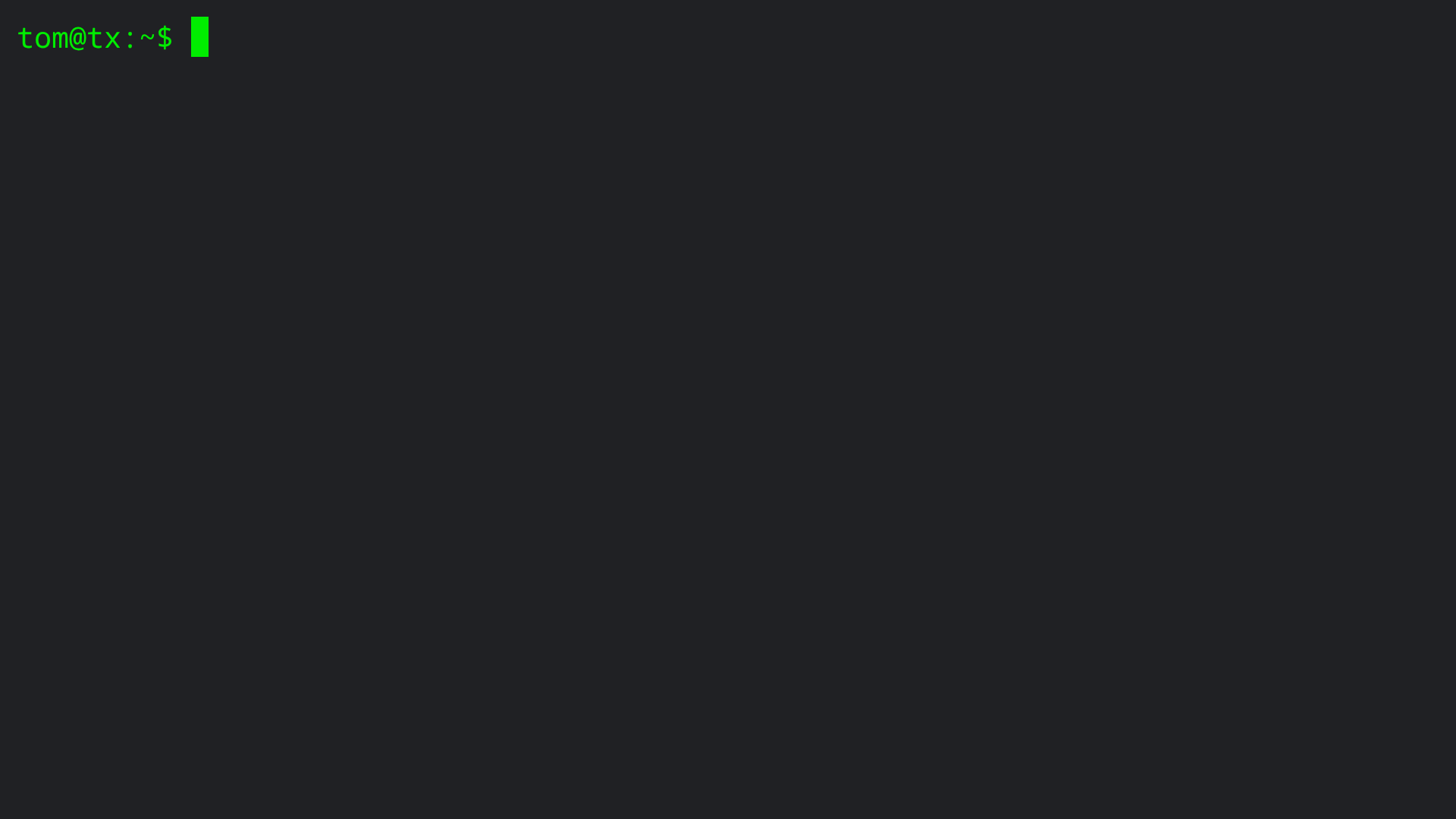
I think I want a really peaceful, retro green terminal like the above screenshot.
I recently installed and wrote about vscodium and code-server, but vscodium, although super great, is not retro green.
In the retro green terminal, there is a peaceful, non-distracting, empty space into which I can load whatever I am working on at the moment. Any one of several editors plus a vast array of command line tools can be used instantly.
In addition to the command line tools, dot files and dot directories can be used keep everything arranged, close by, yet out of the way. Right now I use one dot file and two dot directories.
My dot file is .tlog, which is a simple text file with dates, log entries, comments, and terminal commands transcribed along with their output.
My two dot directories are .current and .attic. The first, .current, is where I keep individual files and project directories on which I currently am working, although not at the precise present moment. The second, .attic, is where I keep files and projects on which I am not currently working, but which I think I might need or want to see again before too long.
Once a new project hits .current or moves from .current to .attic, I still can go work on it there. Its not like I have to move the project back to my home directory in order to edit a file.
As a simple workflow example, here is me working on this post, comments added.
root@tx:~# su - tom # Logging in as root saves me from typing sudo a million times as day.
tom@tx:~$ date # I need to remind myself of the date in order to add the date to the log.
Mon Oct 27 05:16:31 PM UTC 2025
tom@tx:~$ vi .tlog # Starting todays log entries.
tom@tx:~$ cp -p .tlog .tlog~ # Local quick backup, just in case.
tom@tx:~$ vi How-do-you-set-up-your-terminal # Write todays post.j
tom@tx:~$ ls # Does the post exist in my home directory?
How-do-you-set-up-your-terminal # Yes!
tom@tx:~$ vi .tlog # Add log entry for this post.
tom@tx:~$ ls .current/ # Not much yet on the new Texas server.
tom@tx:~$ mv How-do-you-set-up-your-terminal .current/ # Move the draft to the .current directory.
tom@tx:~$ clear # Restore the peacefulness of the clean view of my home directory.
The green color I am using is #00ED00, which reminds me of the IBM 5151 that I used to use.
For backup, I mirror my /home/tom directory on another server from a different provider. I can log in to either mirror and begin working right away. In addition to mirroring, I keep tar backups at a third provider and also on a local disk.
The biggest disadvantage of my retro green setup might be that it is stuck in time. I loved and lost the infinite scrollback from the slightly earlier days of paper terminals. Also, perhaps my love of retro green keeps me from embracing many advantages of newer terminal setups?
How do you set up your terminal? Can you convince me, almost 78 years old now, to move forward in time, to become young again?
Comments
Mostly just set up tmux and nvim. Trying to learn nvim as dev platform but yeah...learning curve
You're 77? Congrats...would have guessed much younger
Just because you mentioned IBM 5151. Even has to squaring controls....
https://github.com/Swordfish90/cool-retro-term
@skorous IBM 5151 got one and a 1980s microwave halfway to my time machine!!!
The Yeti has left the building.
I wish I still had my old monochrome VGA monitor.
There is 4 or 5 in storage want one? Believe I have a 19 inch even.
The Yeti has left the building.
I picked up a handful of those for pennies when they updated a bank to lcds. Afraid I don't have them anymore.
And I, for one, welcome our new insect overlords.
I want to recreate paper terminals on modern hardware.
DM us for private tracker invite.
Here are some great screenshots from 2002 of terminals of Ritchie, Kernighan, and Moolenaar plus more, with comments by the terminal owners.
https://anders.unix.se/2015/10/28/screenshots-from-developers--unix-people-2002/
Note the 2015 update linked within the 2002 post:
https://anders.unix.se/2015/12/10/screenshots-from-developers--2002-vs.-2015/
Is there going to be a 2025 update?
I usually just use a normal black on white xfce4-terminal on the laptop with a few tabs (and a few windows) open. On the servers I use tmux sessions with this config (as I got way too used to screen before switching to tmux):
I use whatever ships by the factory in Mint, Ubuntu, and Windows (cmd and Powershell).
Also, on Windows, I sometimes use PuTTY (because the "factory" terminal sometimes refuses to work in SSH).
Internet is full of screenshots, but if you need, I could try to capture and post those.
Ahh - cover image here is the Mint terminal I use:
https://io.bikegremlin.com/26280/linux-command-notes/
Windows cmd:
https://io.bikegremlin.com/38819/windows-command-prompt-and-powershell-notes/
P.S.
Of course I already wrote about it: LOL
https://io.bikegremlin.com/38600/my-os-system-software-stack/#6
🔧 BikeGremlin guides & resources
Aka he is a pansy
The Yeti has left the building.
I just use the default with ProFont.
And I, for one, welcome our new insect overlords.
Laughing in Notepad++
🔧 BikeGremlin guides & resources
Here is my boring gnome terminal. Don't bag on me too much guys. It is nothing fancy and just works like it should.
The Yeti has left the building.
Gay. Also homosexual.
And I, for one, welcome our new insect overlords.
Better than Le Gaeigh,
The Yeti has left the building.
Fucking French.
And I, for one, welcome our new insect overlords.
Canadian eh!!!!
The Yeti has left the building.
Even worse.
And I, for one, welcome our new insect overlords.
@Not_Oles / @AuroraZero why is this thread marked as announcement?
I dint do it dont ask me!!! I blame @MichaelCee or @bikegremlin
The Yeti has left the building.
@somik
All LES Talk threads are, as far as I know, announced for a while. As you can see, this thread is also included in the LES Talk current listing at the bottom of the main page (just above the Exclusive Deals current listing).
Ah, that makes sense! Something like a "sticky" thread i guess!
Same here! Guess I'm joining the pansy club.
I do like MobaXterm as well so I use that sometimes if I'm on a Windows box.
Correct! Usually announced for 7 days (sometimes longer if I forget to unannounce... which is more likely than not).
yabs daddy
Ginger Pansy!!!!
The Yeti has left the building.
Not terminal, but "terminal green" is what I was aiming for - to make the bold text in my Obisidian editor & viewer stand out better:
🔧 BikeGremlin guides & resources
CSS mark up for an editor. Let me guess, you have to run it in node from a docker image?
And I, for one, welcome our new insect overlords.
I used to regularly use VT220/320/420/520 series terminals which came in a choice of colour phosphors: white, green, or amber. I still set my modern day terminal apps to match the amber, and crucially set the background to #300030 to mimic the subtle purple tinge that the amber phosphor coating used to give in bright light.
TBF I do make use of colour enhanced apps bat, lsd, vim etc. but am quite happy to be stuck in time with the mainly amber text as a comfort blanket
🔧 BikeGremlin guides & resources
Since Not_Oles is forever young and modern, I can act as old and boring My terminals are pretty much standard bash with just a few simple modifications in .bashrc:
When it comes colors, it has always been black background, white/silver font and colors enabled. I used to be SecureCRT user for 20 years but recently I have been using tabby.sh as my primary terminal program. Everything works out of the box and no reason to tweak things. I use tabs instead of keeping them all visible on screen and with this little addition to .bashrc the tab in tabby.sh keeps updating accordingly wherever I have ssh'ed into.
Once the box is open I typically keep gnu screen running with certain tail -f's of commonly checked log files and stuff.
That pretty much sums it all up!
All my work is done on a chromebook (developer mode). ssh works great and if I need graphics, spice or VNC works perfectly. Majority of my work is cli based so as long as I have ssh and a browser it is job done. Been using this method for at least 10+ years.
I have not found anything I can't handle (yet)....
ssh terminal is 'hazy' - deep purple with light text. Works well in day or night light.
So I suppose I would say the classic 'thin' client approach.
Get your FREE VPS if you develop Open Source software
@Not_Oles
nothing fancy, i am old school, i use https://gnome-terminator.org/
plenty of shell scripts to help reduce commands.
@ehab Eeeks! Your screenshot seems almost familiar! Thank you!
Hi @msatt! I am curious what you are using for Spice and VNC clients.
There was a Chrome Spice extension that I used a few times on my Chromebook, but this extension got taken out with the departure of Manifest v2.
For VNC I used to use a RealVNC Chrome extension, but, IIRC, RealVNC stopped development in favor of their Android extension. I tried Remmina a few times. It seems to work well, but recently I have been getting notices about Remmina wanting some kind of key:
Pop-up says: Authentication required. An application wants access to the keyring "Default keyring", but it is locked.
Remmina seems to work without giving it any password, although the pop-up appears 3 times. I have been too lazy to check into what is happening. Maybe you know what this is? And, if you do not mind, what do you use for Spice and VNC on your Chromebook?
@Not_Oles Yes, I am using Realvnc and for spice, I just download the credentials and run virt-viewer in the chromebook cli.
I needed to do some video editing so used a cloud VM. Vnc does not support remote audio so I used spice which worked very well. No point (in my opinion) having a powerful laptop if you have more powerful cloud VMs.
Get your FREE VPS if you develop Open Source software
Nice discussion on terminals and modifications, etc..
I used to have more "detailed" terminals before, neofetch, transparency, split terminals...
Now ? Less is more. Similar to images posted by @Not_Oles and @ehab but if you are still curious- click below
blog archives
Wow! @vyas @ehab @Not_Oles
Saw this one on X.. couldn't help posting. I suppose it does not meet the "intent" of the thread.. but..
Full Video at :
https://www.youtube.com/watch?v=-DiK5FDpBTgblog archives